
Anúncios
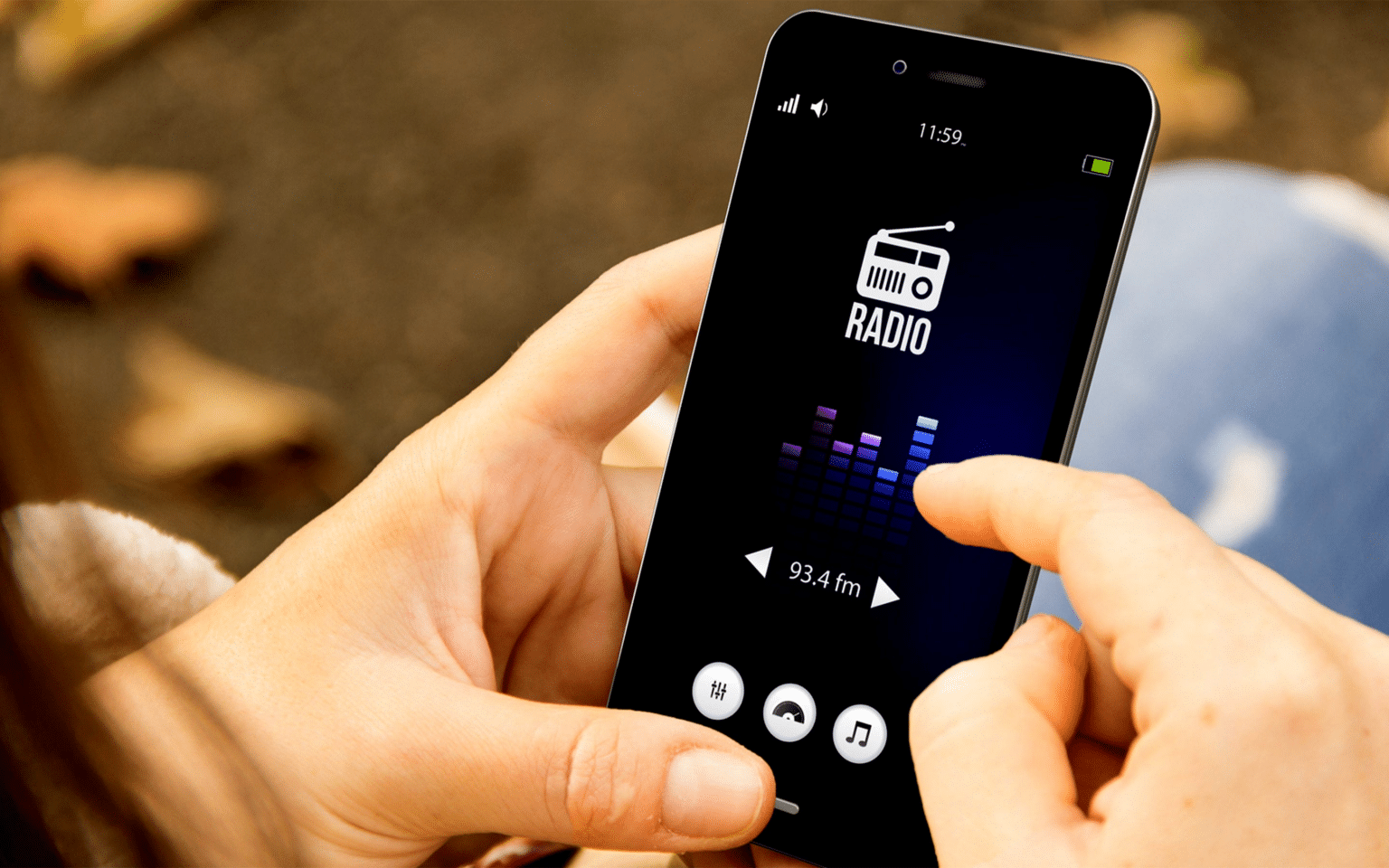
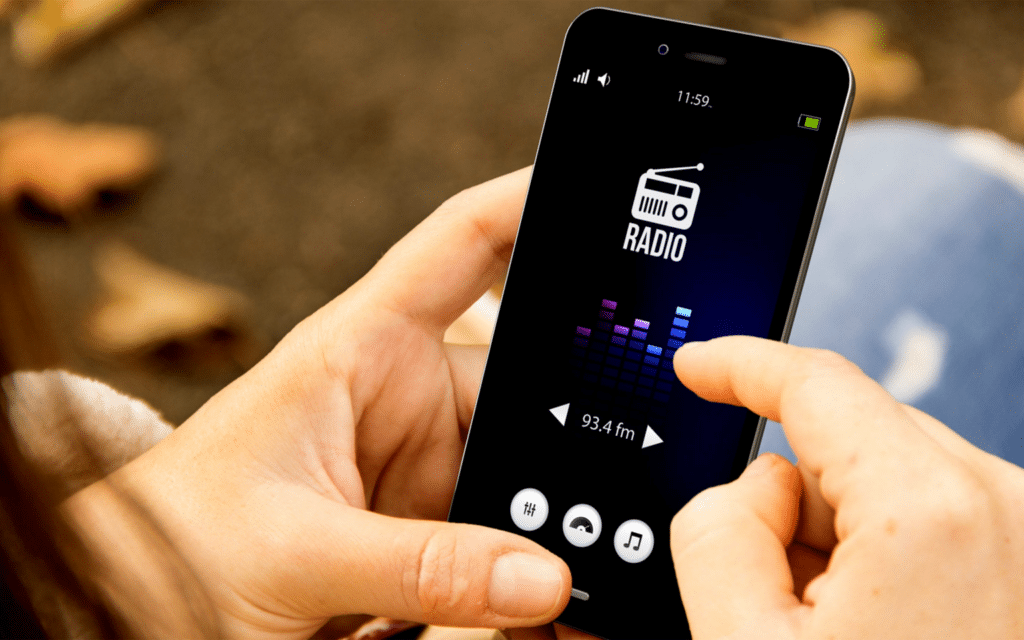
Listening to AM/FM radio on your cell phone brings the classic broadcasting experience directly to your fingertips, combining nostalgia with modern convenience in a single device.


The ability to tune into traditional radio stations from your smartphone has revolutionized how we consume audio content. While streaming services dominate the landscape, AM/FM radio remains relevant, offering live local news, weather updates, emergency broadcasts, and that spontaneous discovery of music you didn’t know you needed.
Anúncios
Whether you’re commuting, exercising, or simply relaxing at home, accessing radio through your mobile device opens up a world of possibilities. From sports commentary to talk shows, and from classical music to contemporary hits, radio continues to connect communities and provide free entertainment for millions worldwide.
📻 Why AM/FM Radio Still Matters in the Smartphone Era
Despite the proliferation of podcasts and music streaming platforms, traditional radio maintains a unique position in our media ecosystem. Radio stations provide real-time information that’s particularly crucial during emergencies, natural disasters, or breaking news situations. Unlike internet-dependent services, FM radio can function without consuming your mobile data.
Anúncios
Local radio stations create community connections that algorithms simply cannot replicate. They feature regional artists, discuss neighborhood events, and provide hyper-local weather and traffic reports. This geographical specificity makes radio an irreplaceable tool for staying connected to your immediate surroundings.
Additionally, radio offers that element of surprise and discovery. You don’t curate every song or segment—the DJ does that for you. This passive listening experience can be refreshing in a world where we’re constantly making choices about our entertainment.
🔧 How Does FM Radio Work on Your Smartphone?
Many people don’t realize that numerous smartphones actually contain FM radio chips built directly into their hardware. These chips were initially included because they add minimal cost to manufacturing while providing valuable functionality. However, not all manufacturers activate this feature.
The FM chip requires an antenna to function properly, and your wired headphones serve exactly this purpose. When you plug in headphones, the cable acts as an antenna, allowing the chip to capture radio signals. This is why most FM radio apps require headphones to be connected, even if you plan to listen through your phone’s speakers.
For devices without activated FM chips or those lacking the hardware entirely, internet-based radio apps provide an excellent alternative. These applications stream radio station broadcasts over WiFi or mobile data, giving you access to stations from around the world, not just local frequencies.
📱 Different Methods to Access Radio on Your Phone
There are several approaches to enjoying AM/FM radio content on your mobile device, each with distinct advantages and limitations.
Built-In FM Radio Apps
Some Android manufacturers include native FM radio applications in their devices. Samsung, LG, and Motorola have historically supported this feature in various models. These apps directly access the FM chip, providing reception without internet connectivity or data usage.
To check if your phone has this capability, search your app drawer for apps named “FM Radio,” “Radio,” or similar variations. If present, simply plug in your headphones and launch the app to start scanning for available stations.
Third-Party Radio Applications
Dedicated radio apps available through app stores offer the most comprehensive radio experience. These applications typically stream radio content over the internet, meaning they work on any smartphone regardless of FM chip availability. Popular options include TuneIn, iHeartRadio, Radio.com, and Simple Radio.
These apps provide access to thousands of stations worldwide, complete with features like station bookmarking, sleep timers, alarm clock functionality, and even podcast integration. The trade-off is that they consume mobile data when you’re not on WiFi.

Streaming Services with Radio Features
Platforms like Spotify, Apple Music, and YouTube Music offer radio-style stations based on artists, genres, or moods. While these aren’t traditional AM/FM broadcasts, they simulate the radio experience with continuous playback and discovery features. These work entirely through internet streaming and are part of their respective subscription services.
🎧 Setting Up Your Phone for Radio Listening
Getting started with radio on your smartphone is straightforward, but there are specific steps to ensure optimal performance.
First, determine whether your device has FM radio capability. Android users can check their phone’s specifications online by searching the model number plus “FM radio.” iPhone users should note that Apple devices do not include activated FM chips, so internet-based apps are the only option.
For FM chip-enabled phones, download a compatible FM radio app if one isn’t already installed. NextRadio (now discontinued but still functional on some devices) and Spirit FM are examples. Plug in your wired headphones—this step is mandatory as the cable functions as the antenna.
Launch the app and allow it to scan for available stations. Your location determines which frequencies are available. Save your favorite stations for quick access later. Adjust audio output settings if you prefer listening through your phone’s speakers rather than headphones.
For internet radio apps, simply download your preferred application, grant necessary permissions, and browse the extensive station directories. Many apps detect your location and suggest local stations, but you can search for any station worldwide.
🌍 Benefits of Internet Radio vs. Traditional FM Reception
Understanding the differences between these two approaches helps you choose the best option for your needs.
Internet radio apps offer unparalleled variety. You can listen to stations from Tokyo, London, New York, or São Paulo without being anywhere near those cities. The audio quality is typically superior to FM broadcasts since digital streams aren’t subject to interference or signal degradation.
These apps also provide enhanced features like station information displays, song identification, social sharing, and personalized recommendations. You can pause, rewind (on some services), and integrate your listening with other apps.
Traditional FM radio through your phone’s chip, however, doesn’t consume data or require internet connectivity. This makes it invaluable in areas with poor cellular coverage, during data cap concerns, or in emergency situations when networks might be congested. FM radio is also typically lower latency—there’s no buffering delay.
Battery consumption differs as well. FM chip-based radio generally uses less power than streaming over cellular data, though the difference narrows when streaming over WiFi.
📡 Overcoming Common Radio App Challenges
Users frequently encounter specific issues when listening to radio on their smartphones. Here are practical solutions to the most common problems.
Poor Signal Reception
If you’re using an FM chip-enabled app and experiencing static or weak signals, try adjusting your headphone cable position—it’s your antenna. Moving near windows or outdoors often improves reception. Different headphones can perform differently as antennas, so experimenting with various pairs might help.
Buffering and Streaming Interruptions
Internet radio apps that constantly buffer indicate connectivity issues. Switch from mobile data to WiFi when possible. Close background apps consuming bandwidth. Lower the stream quality in the app’s settings if available—lower bitrate streams buffer less frequently on slower connections.
High Data Usage Concerns
Streaming radio consumes approximately 50-100 MB per hour depending on audio quality. Monitor your usage through your phone’s data settings. Download content when available or switch to FM chip-based apps. Many radio apps offer lower quality streaming options specifically for data conservation.
Compatibility Issues
Not all phones support FM radio apps even when they have the hardware. Manufacturer decisions and regional variations affect availability. If your device doesn’t support FM, embrace internet radio alternatives—they often provide superior features and station selection anyway.
🎵 Discovering New Stations and Content
One of radio’s greatest pleasures is discovering new stations, music, and personalities. Modern radio apps enhance this experience significantly.
Most applications categorize stations by genre, language, location, and popularity. Browse these categories to explore beyond your usual listening habits. A classical music fan might discover jazz stations they love, or a rock listener might stumble upon fascinating talk radio programs.
Many apps feature “trending” or “popular” sections highlighting stations gaining listeners. These often surface interesting niche stations that wouldn’t appear in basic searches. User ratings and reviews help identify quality broadcasts.
Station recommendations based on your listening history gradually improve as you use the app. This personalization helps surface stations matching your preferences without requiring active searching.
Don’t overlook college and community radio stations. These smaller broadcasters often provide the most unique programming—experimental music, local storytelling, and specialized content you won’t find on commercial stations.
🔋 Maximizing Battery Life While Listening
Extended radio listening can drain your smartphone battery quickly if not managed properly. Strategic adjustments help extend playback time significantly.
FM chip-based radio apps consume considerably less power than streaming apps. If battery conservation is paramount and you have FM capability, use that option whenever possible.
For internet radio, streaming over WiFi uses less battery than cellular data. Lower your screen brightness or turn off the display entirely while listening—many apps continue playing with the screen off. Enable battery saver mode on your device, which typically doesn’t affect audio playback.
Close unused background applications that compete for system resources. Disable unnecessary features like Bluetooth, GPS, and mobile data (if listening via WiFi). Download shows or music when available rather than streaming repeatedly.
Consider investing in a portable battery pack if you’re a frequent radio listener. These external power sources let you enjoy hours of uninterrupted listening without worrying about your phone dying.
📰 Radio Apps for News and Emergency Information
Radio remains one of the most reliable sources for emergency information and breaking news. Your smartphone can be a crucial communication tool during crises.
Many emergency management agencies recommend having multiple information sources, including traditional radio. While social media spreads news quickly, official radio broadcasts provide verified information from authorities.
Apps like TuneIn and iHeartRadio include dedicated news stations from major networks like NPR, BBC, CNN Radio, and local news outlets. During emergencies, these stations provide continuous updates without the misinformation risks of social platforms.
Some phones include emergency alert systems that work in conjunction with radio broadcasts. In the United States, the Emergency Alert System (EAS) transmits critical warnings. While these typically reach smartphones through other means, radio provides backup access to this information.
Keep a radio app installed even if you don’t use it regularly. During power outages, natural disasters, or network congestion, radio streams might still function when other services fail, especially if you have access to WiFi through generators or battery-powered routers.
🎙️ The Future of Radio on Mobile Devices
Radio’s relationship with smartphones continues evolving as technology advances and listening habits shift.
5G networks enable higher quality radio streaming with minimal latency, potentially making the distinction between internet and traditional radio less noticeable. Enhanced speeds allow for HD radio quality streams without buffering concerns.
Artificial intelligence integration is personalizing radio experiences. Smart apps learn your preferences and can create custom “stations” blending traditional broadcasts with curated content matching your tastes.
Podcast and radio convergence continues, with many radio stations offering on-demand segments and radio apps incorporating podcast directories. This hybrid approach provides both live and time-shifted listening within single platforms.
Voice assistant integration makes radio access even simpler. Commands like “Play jazz radio” or “Tune to NPR” work seamlessly with apps connected to Siri, Google Assistant, or Alexa.
Despite technological changes, radio’s fundamental appeal remains constant—it’s immediate, communal, and requires minimal decision-making from listeners. These qualities ensure radio will remain relevant on mobile devices for years to come.
✨ Making Radio Part of Your Daily Routine
Incorporating radio into your smartphone usage enriches your daily experiences in unexpected ways.
Start your morning with a news radio station instead of scrolling through social media. This provides curated information without the algorithm-driven anxiety of news feeds. Use radio during commutes—it’s safer than video content and less demanding than podcasts requiring full attention.
Background music radio stations create pleasant ambiance during household tasks without the decision fatigue of choosing specific playlists. Talk radio provides companionship during solo activities like cooking, cleaning, or exercising.
Set radio alarms using apps that support this feature. Waking to your favorite morning show feels more natural than harsh alarm tones. Evening wind-down routines benefit from calm radio programming that helps transition from day to night.
Share favorite stations with friends and family. Radio can be a social connector—recommending stations creates shared listening experiences even when physically apart.
🎯 Choosing the Right Radio App for Your Needs
With dozens of radio apps available, selecting the optimal one depends on your specific priorities and listening habits.
For maximum station variety and international options, apps like TuneIn Radio and Simple Radio excel with catalogs featuring tens of thousands of stations. These work excellently for exploratory listeners who enjoy discovering broadcasts from around the world.
If you prioritize American commercial radio with integrated podcasts and artist stations, iHeartRadio provides comprehensive access to major U.S. broadcasters alongside on-demand content.
Listeners concerned about data usage should seek apps offering FM chip support like Spirit FM or NextRadio (where still functional). These provide traditional radio without internet requirements.
For minimal, straightforward interfaces without unnecessary features, simple apps like Radio FM or Basic FM Radio offer clean, efficient experiences focused purely on station tuning and playback.
Audiophiles should look for apps supporting high-quality streaming formats and stations broadcasting in HD quality when available. Some apps allow quality selection, letting you balance audio fidelity with data consumption.
Radio remains a vibrant, accessible medium that complements modern smartphone capabilities beautifully. Whether through traditional FM chips or internet streaming, your mobile device opens access to countless voices, music styles, and information sources. The combination of nostalgia and innovation makes radio on your phone a perfect example of technology enhancing rather than replacing beloved traditional media.
